Memos people actually read
Describe what you need to say or paste your notes. SlidesBat writes a clear memo with a purpose up front, the background, key points, decisions and next steps, on a letterhead with your logo.
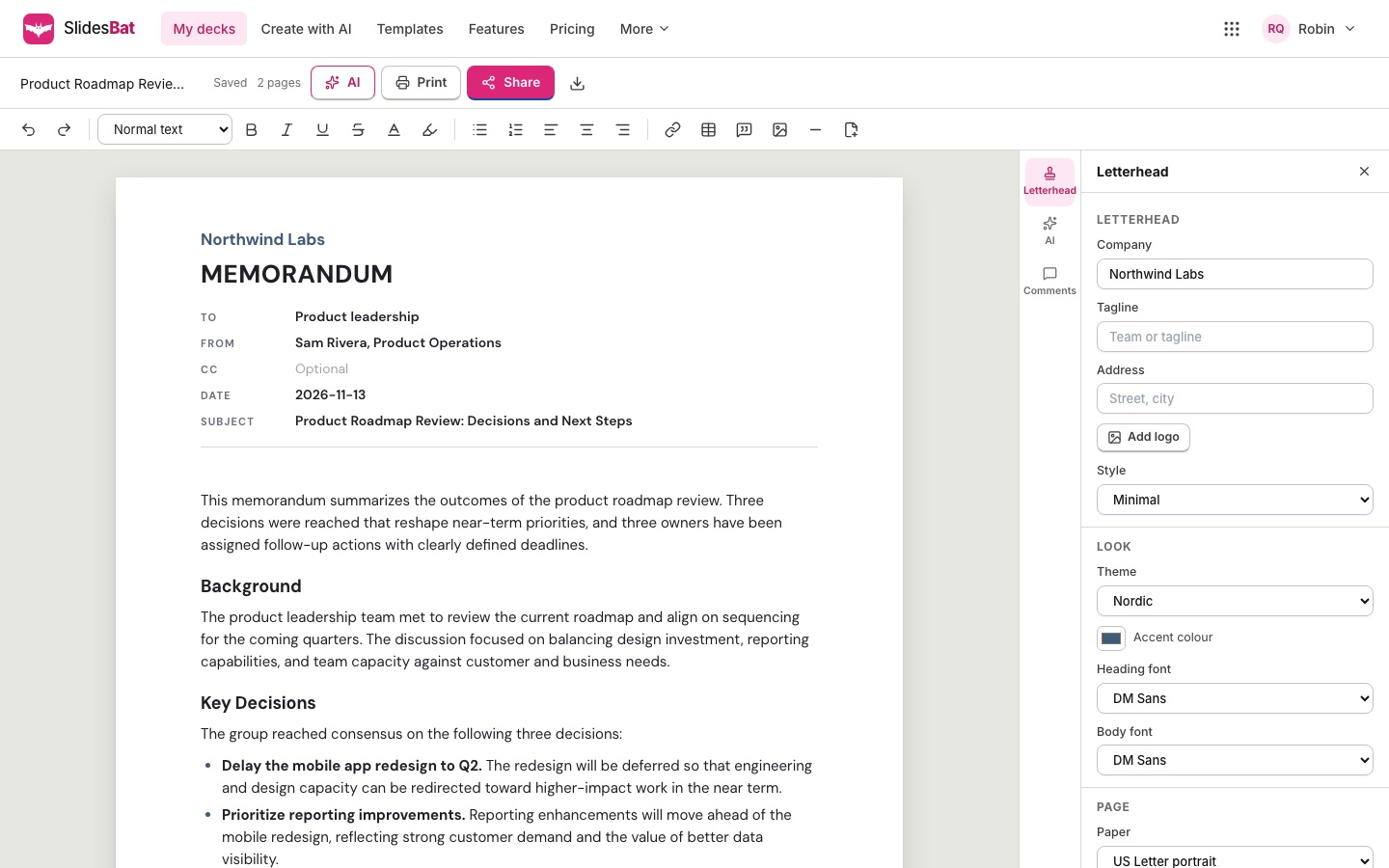
Structure that gets read
Every memo starts with what the reader needs to know or do, then gives the background, the key points, decisions or actions with owners and dates, and the next steps. Choose the tone and the length.
- Purpose first
- Tables and callouts where they help
- Placeholders instead of invented facts
Real pages and a letterhead
Text flows across Letter or A4 pages with your letterhead on page one, a running header after that, and a footer with page numbers. Insert page breaks, tables, images and callouts.
- Five letterhead styles
- Logo, company name and address
- Confidential marking
Edit with AI
Select any part and ask for it more formal, shorter, friendlier or as a bulleted list. With nothing selected the instruction applies to the whole memo.
- Undo any AI change
- Comments for reviewers
- Export to PDF or Word
How it works
- 1
Pick a type
Policy update, meeting summary, incident report and more.
- 2
Describe or paste notes
Add the To and From details.
- 3
Review and send
Edit, then export, print or share a link.
Questions
Is there a free option?
Ten memo templates are free to use without AI. AI writing uses credits from your OfficeBats wallet.
Can I use my company letterhead?
Yes. Add your logo, company name, tagline and address, and pick one of five letterhead styles.
Does it export to Word?
Yes, as a .docx file with real headings, lists, tables, a header and page numbers.
What paper sizes are there?
US Letter and A4, with normal, narrow or wide margins.
Can colleagues comment?
Yes. Share a comment link and they can add comments and replies.
Related features
- PowerPoint, PDF and PNG exportDownload decks as PowerPoint files with real, editable text, shapes, tables and charts, as crisp PDFs, or as PNG images. Memos export to PDF and Word.
- AI presentation makerDescribe your talk or upload a Word, PDF or Markdown file. SlidesBat writes an outline you can edit, then designs every slide with real layouts, photos and notes.
- Present and shareFull screen slide shows with transitions, presenter view with notes and timer, a laser pointer, phone remote, view links, comment and edit links, and embed codes.

Make your next deck in minutes
Free to start. No credit card. One OfficeBats account for every Bats app.