Presentations and memos, designed for you.
Describe your talk or upload a document. SlidesBat writes an outline you can edit, then designs every slide with real layouts, charts and photos. Polish it in a full slide editor, then present, share or export to PowerPoint.
- No credit card
- 47 themes
- PowerPoint and PDF export

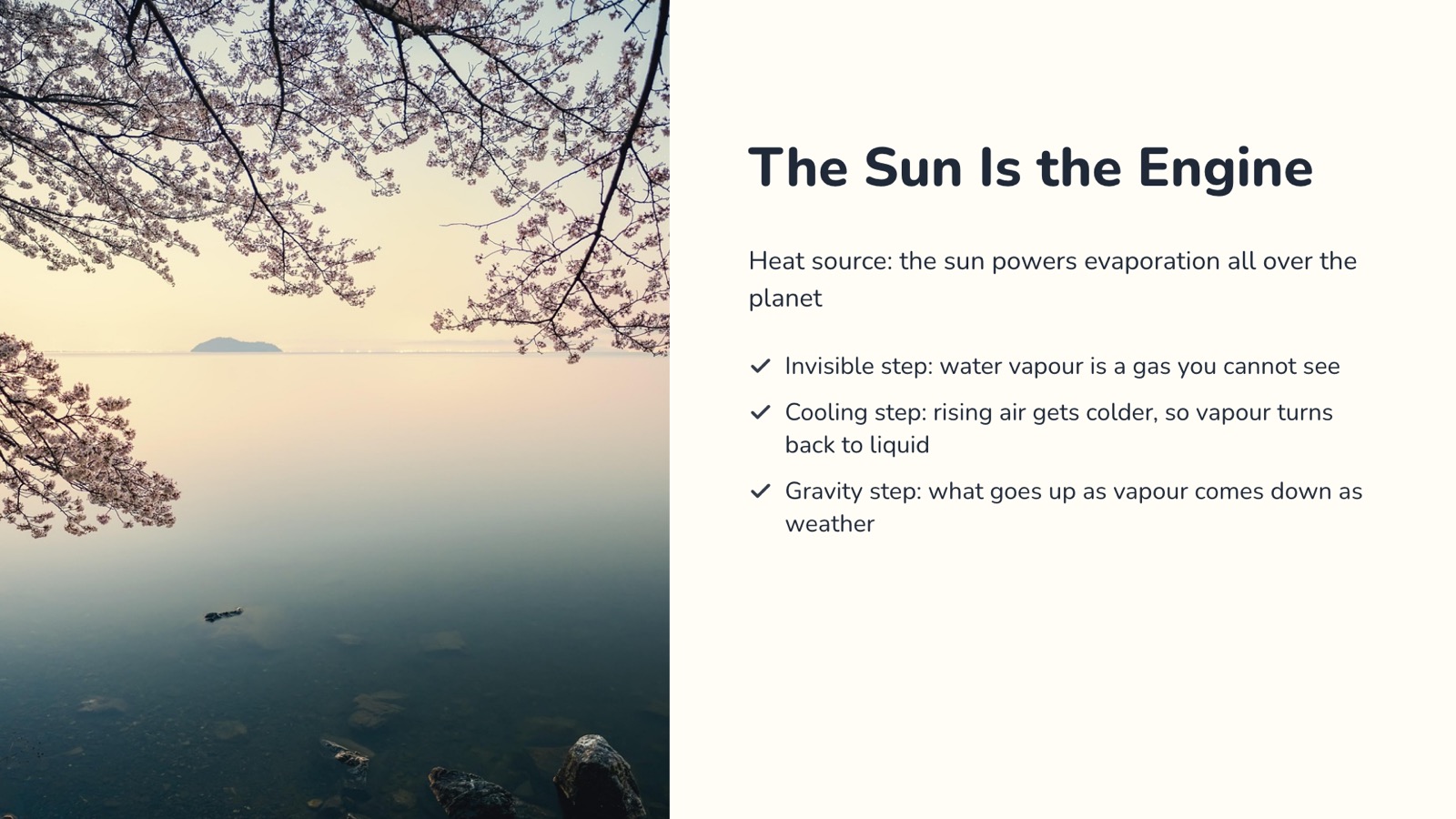

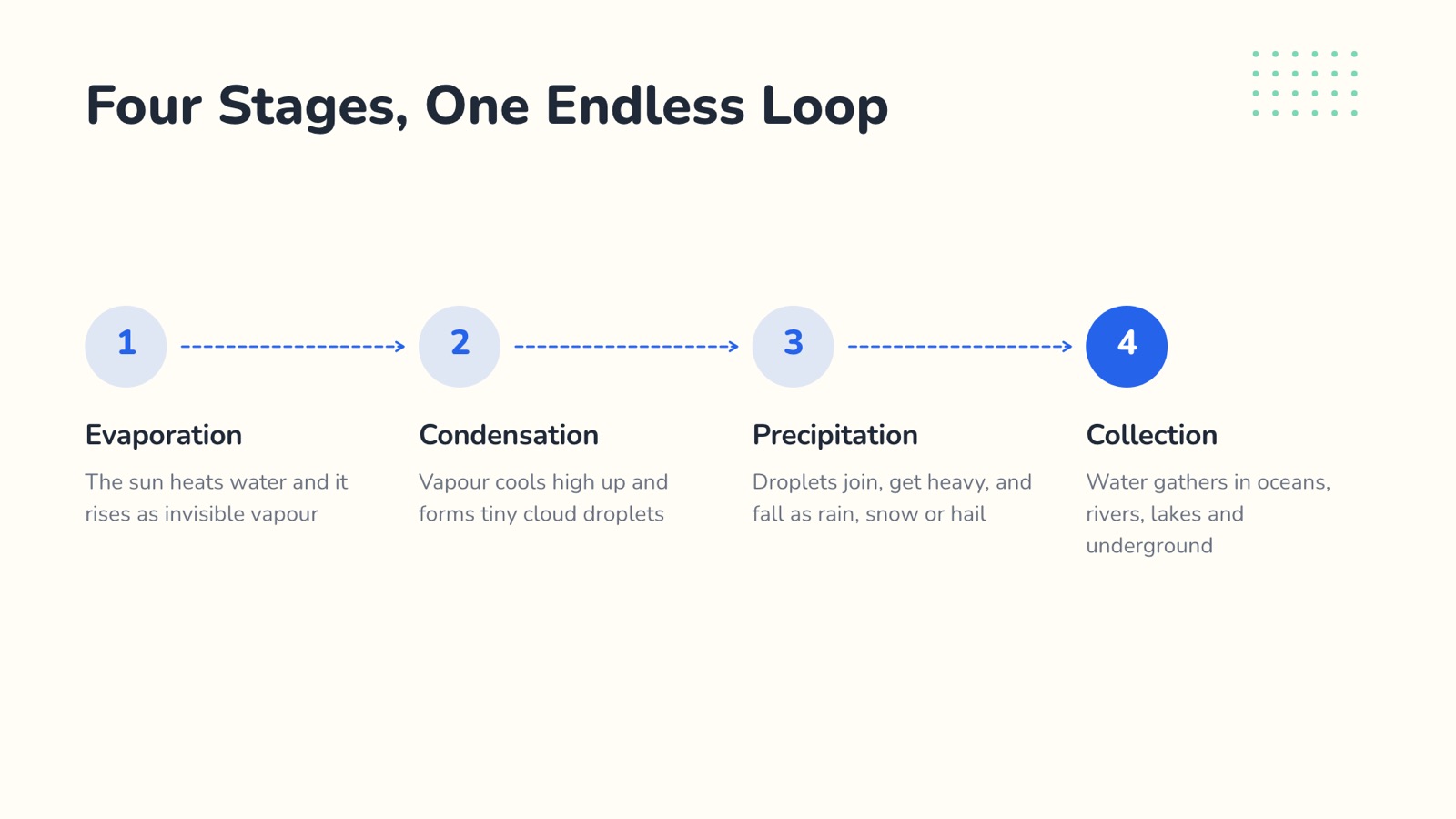
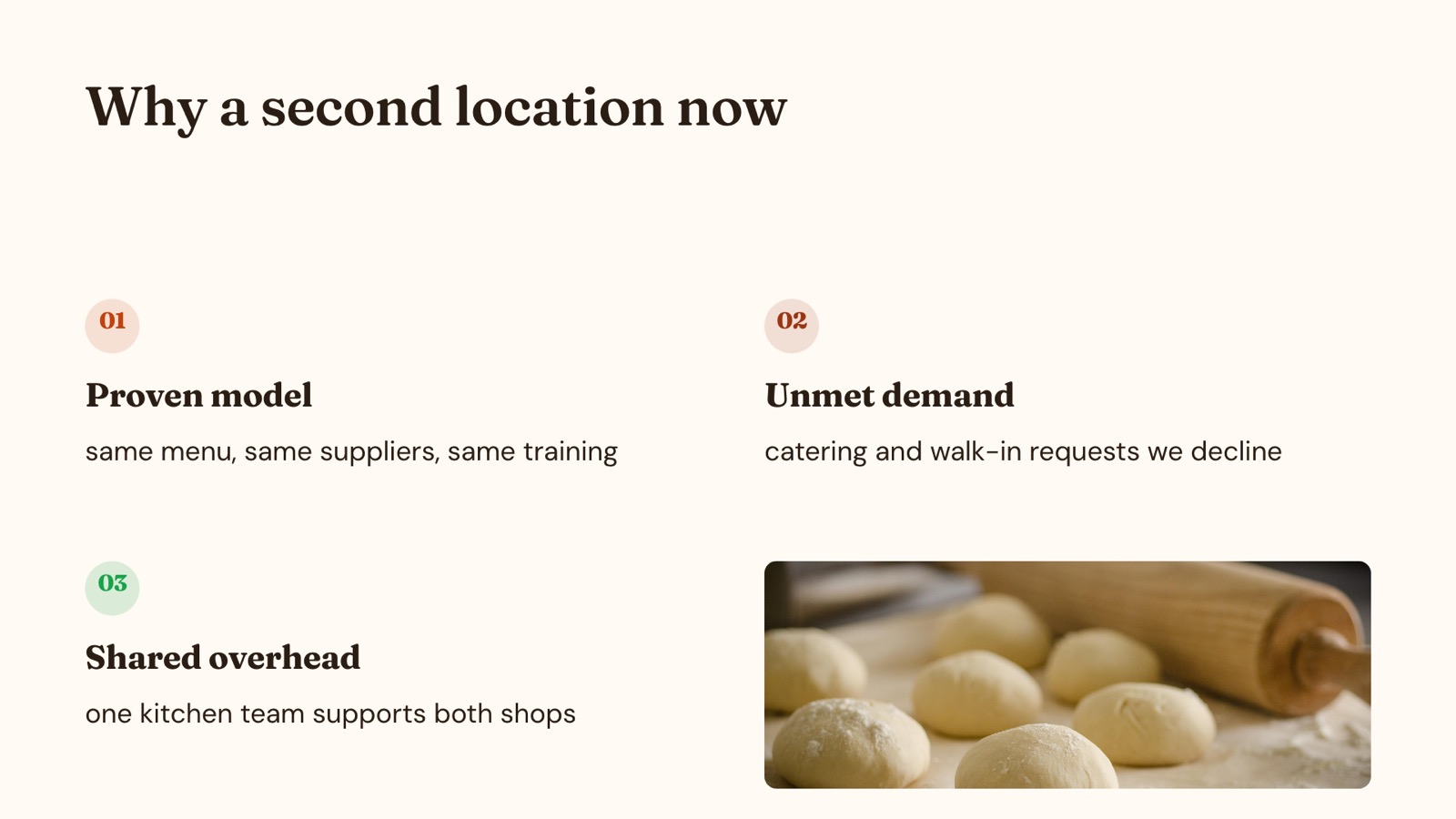
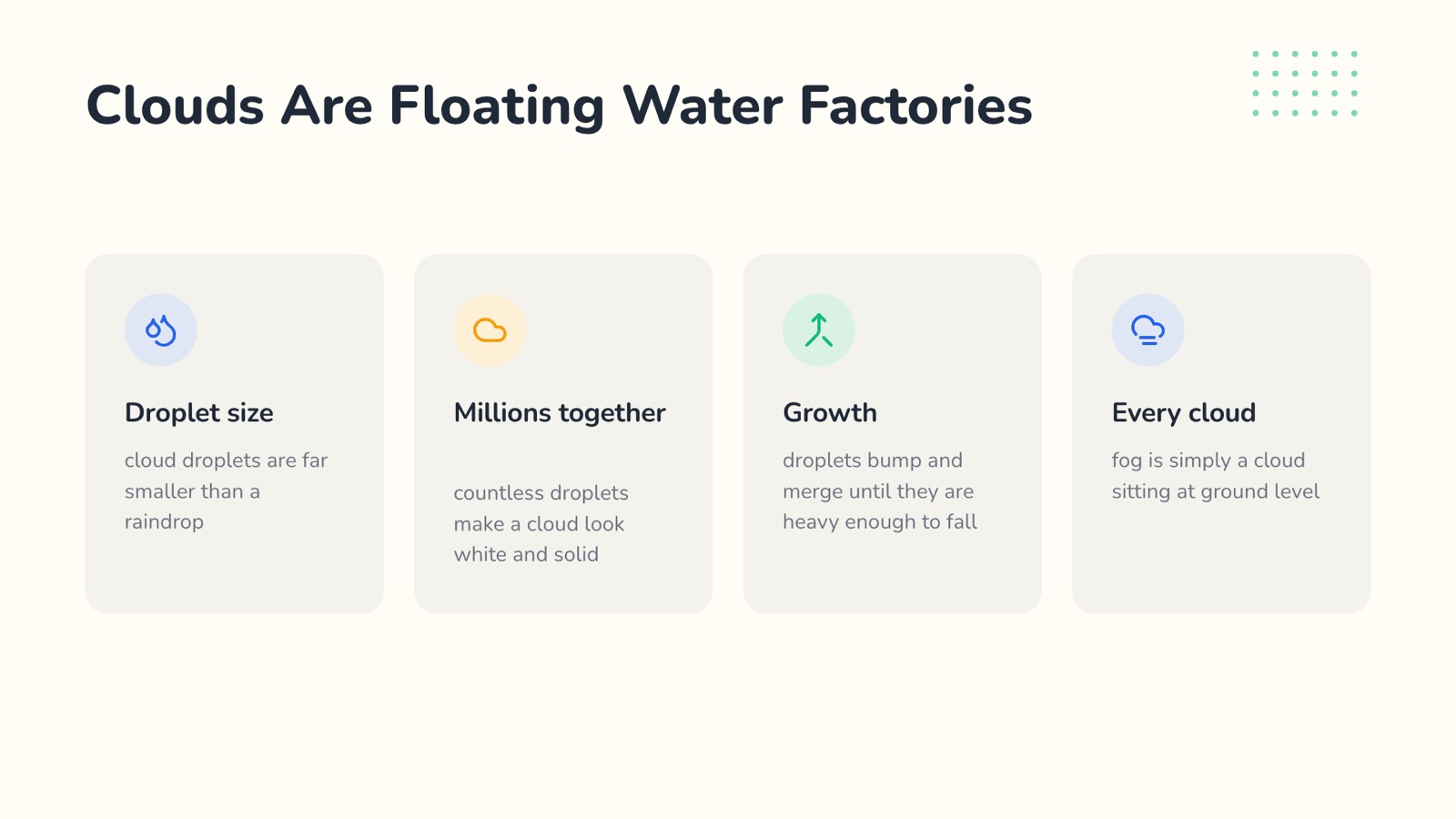
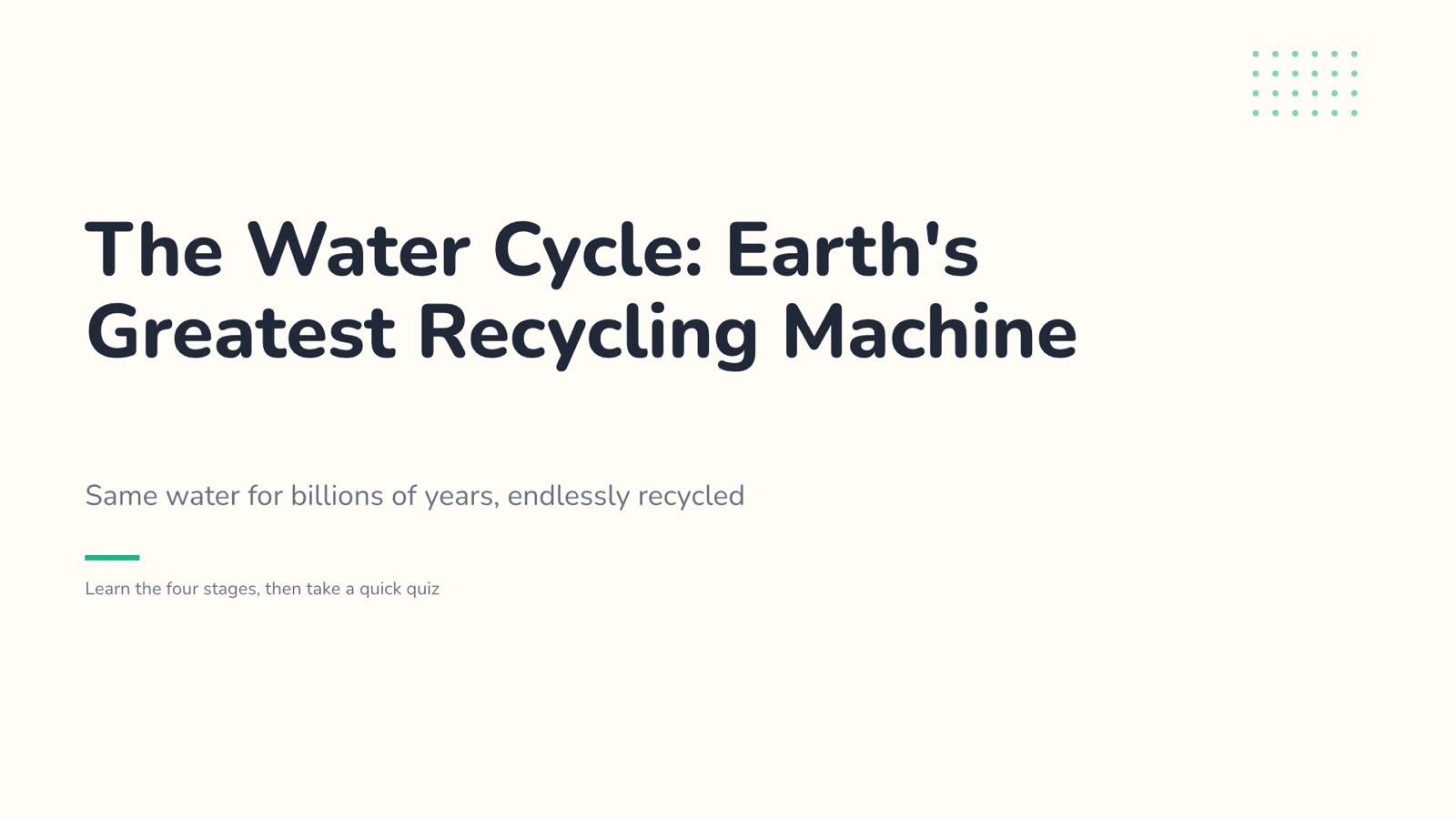

Made with SlidesBat AI from one sentence, then edited. Bakery investor pitch
- 47original themes
- 21layouts in each
- 24chart types
- 34transitions
- 55animations
One sentence in. A designed deck out.
Describe the talk or upload a document. Edit the outline, pick a theme, and watch every slide get designed with real layouts, icons, photos and speaker notes.
- 1
You write
A lesson for 12 year olds on how the water cycle works, with a short quiz at the end. Fun but accurate.
Or upload a Word, PDF, PowerPoint or Markdown file.
- 2
You shape the outline
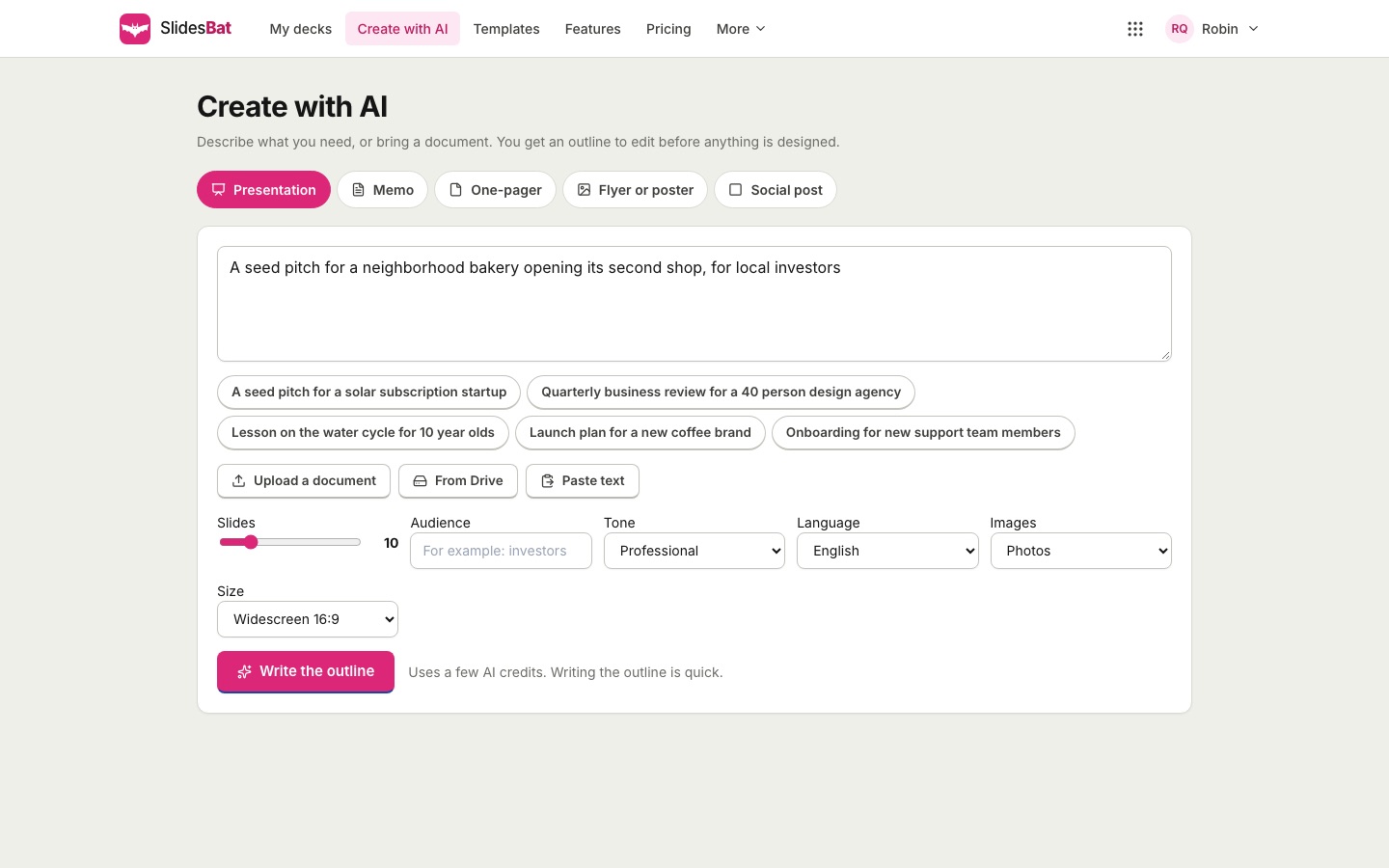
Reorder slides, rewrite points, choose layouts.
- 3
SlidesBat designs it
Real output, ready to edit, present and export.
Numbers people understand at a glance
24 chart types with editable data and 11 infographic blocks. Paste from a spreadsheet, import a CSV file, and export real charts to PowerPoint. The AI only charts numbers you give it.
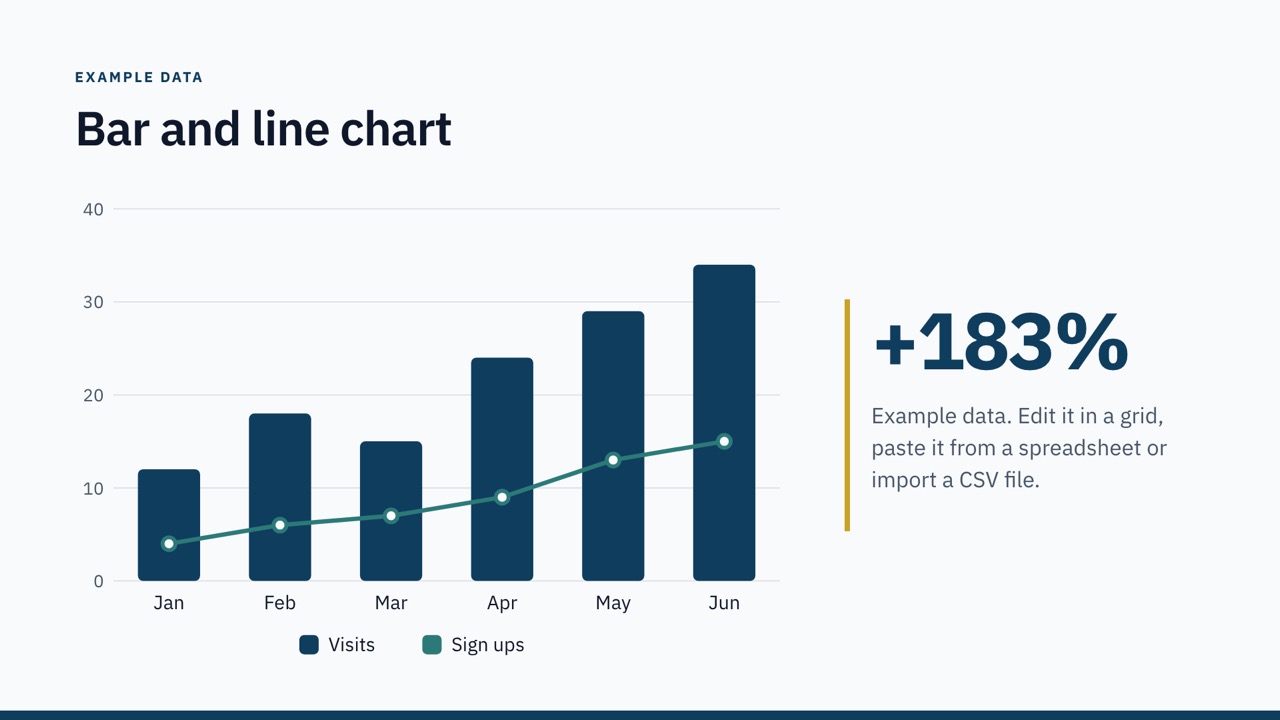
Bar and line 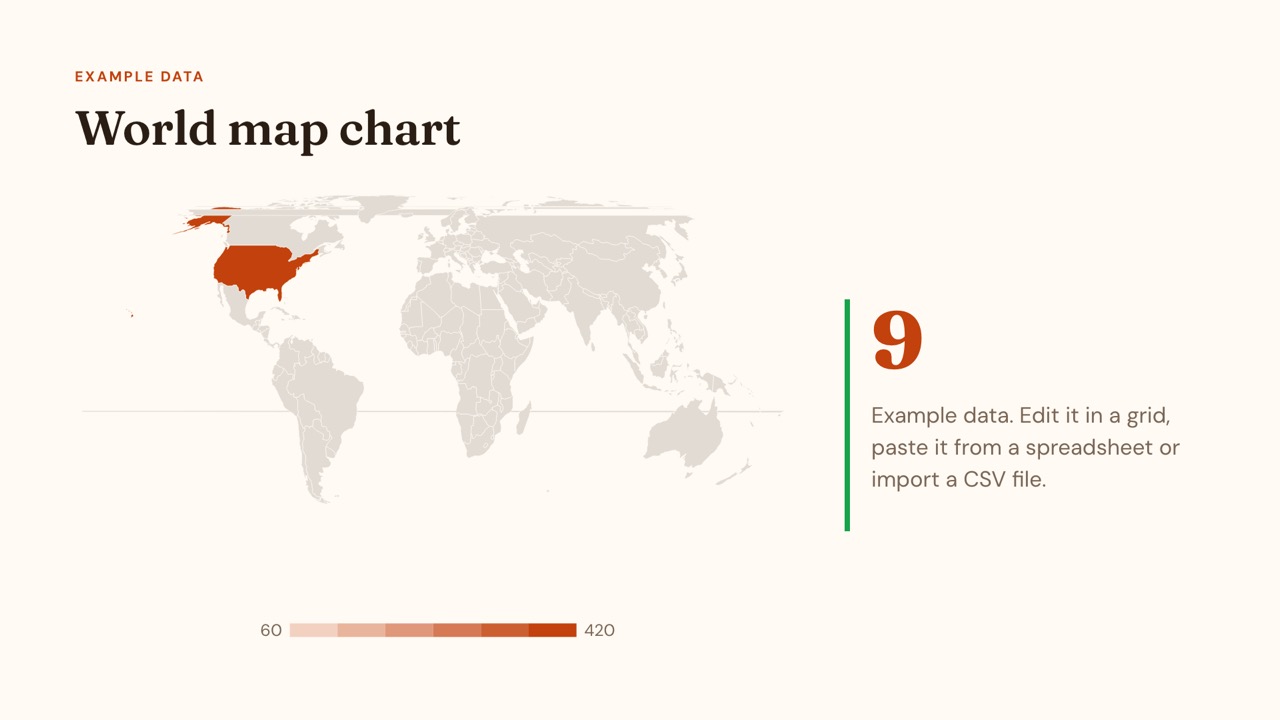
World map 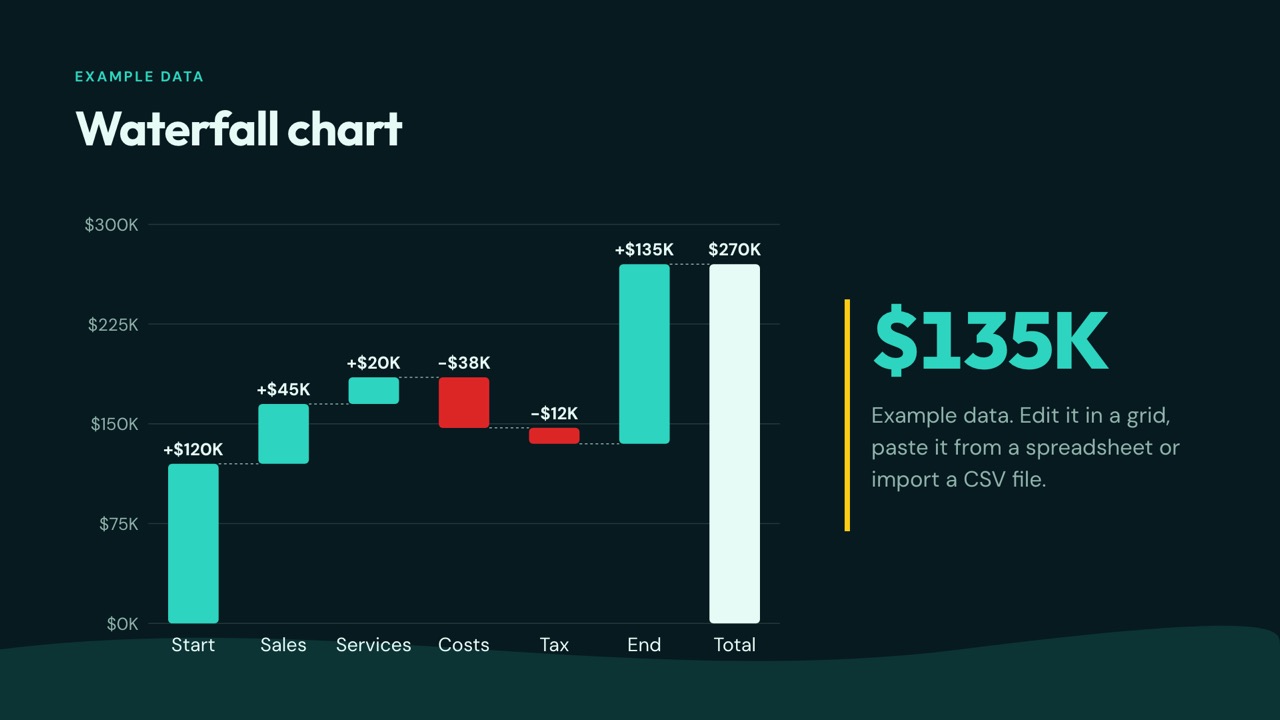
Waterfall 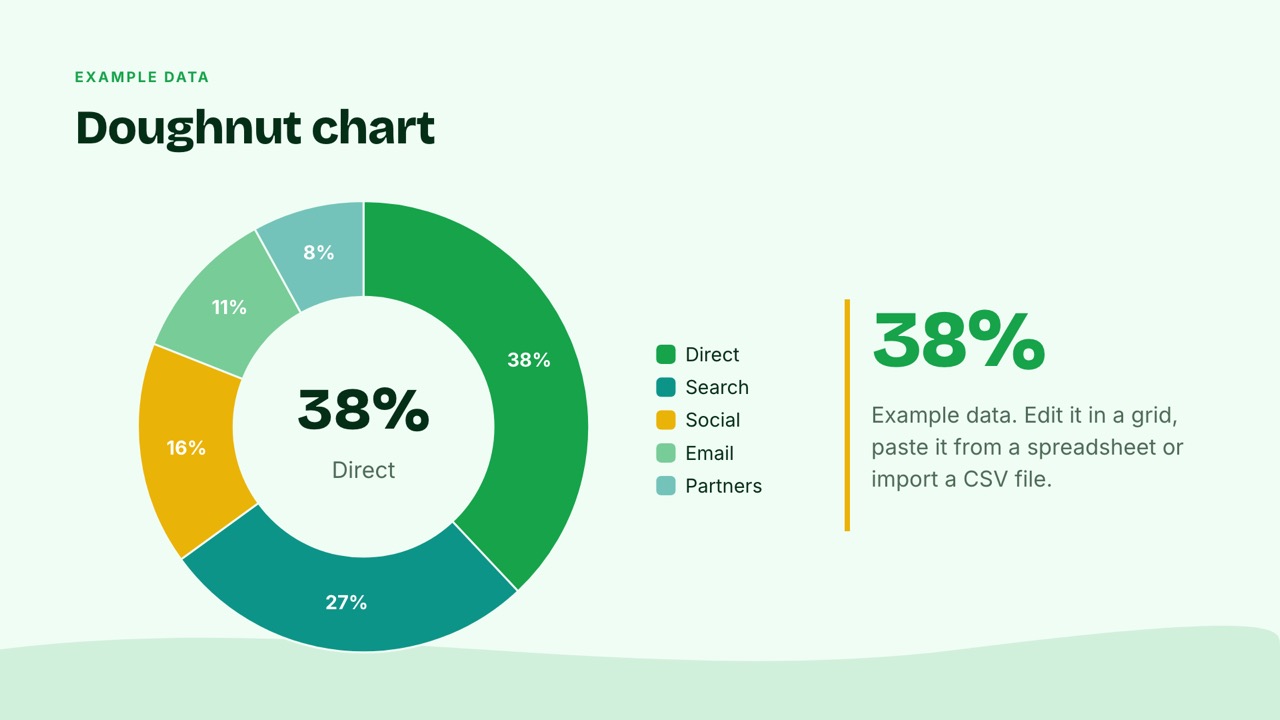
Doughnut 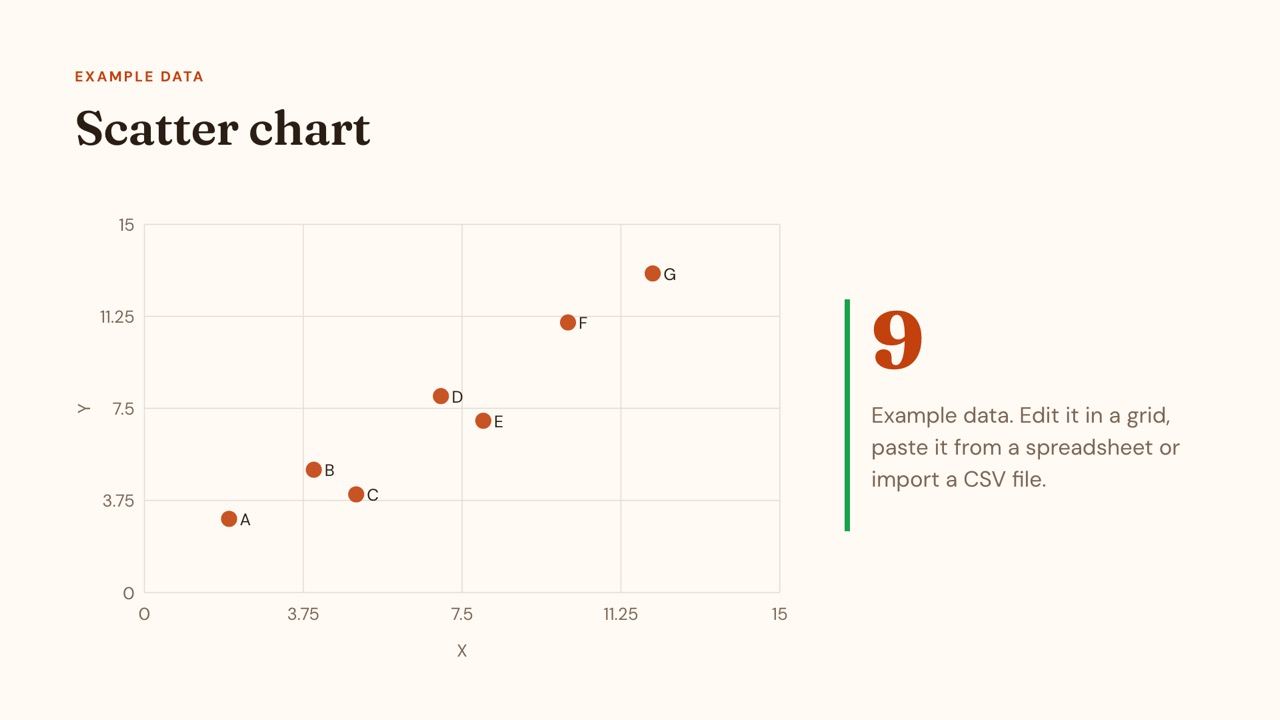
Scatter 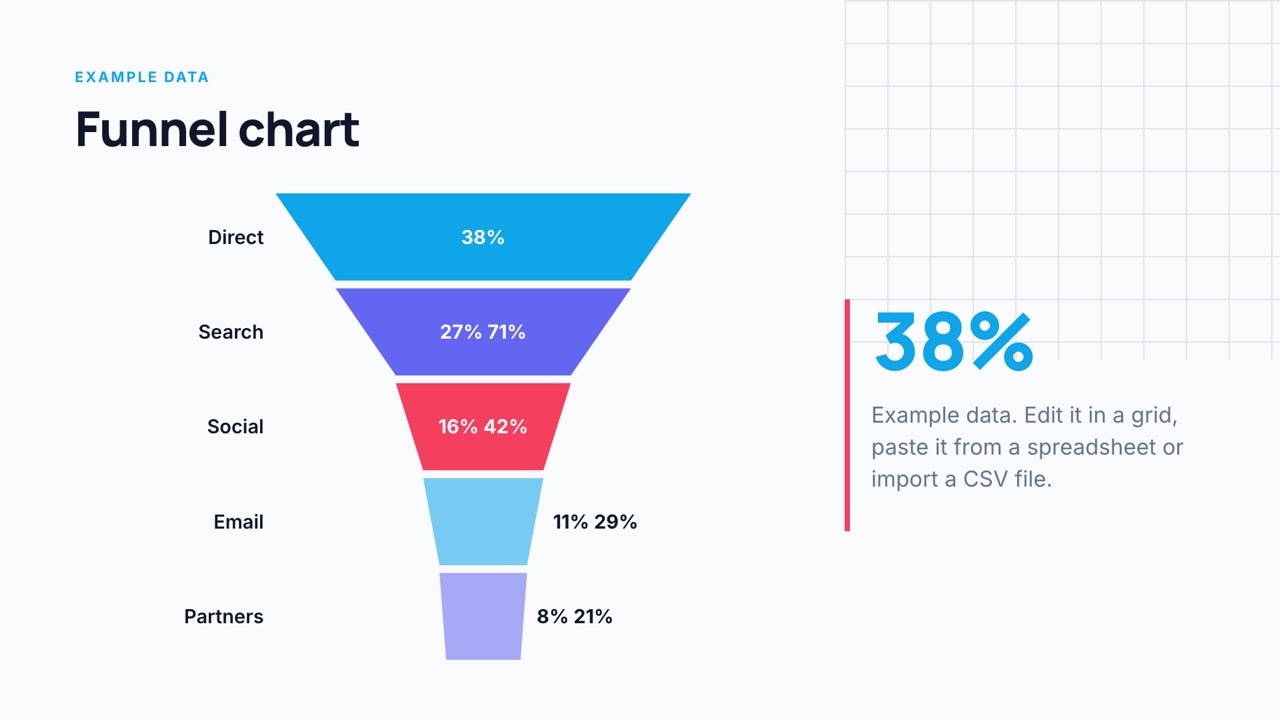
Funnel 
Flow (sankey) 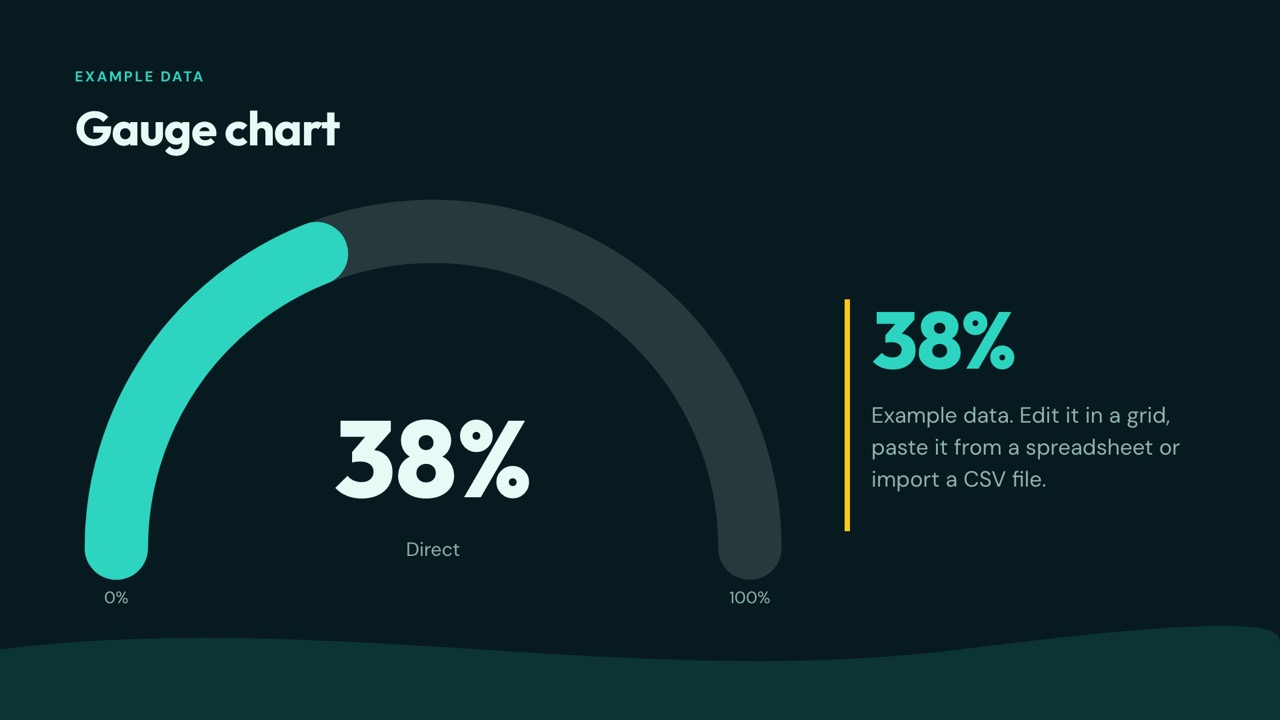
Gauge 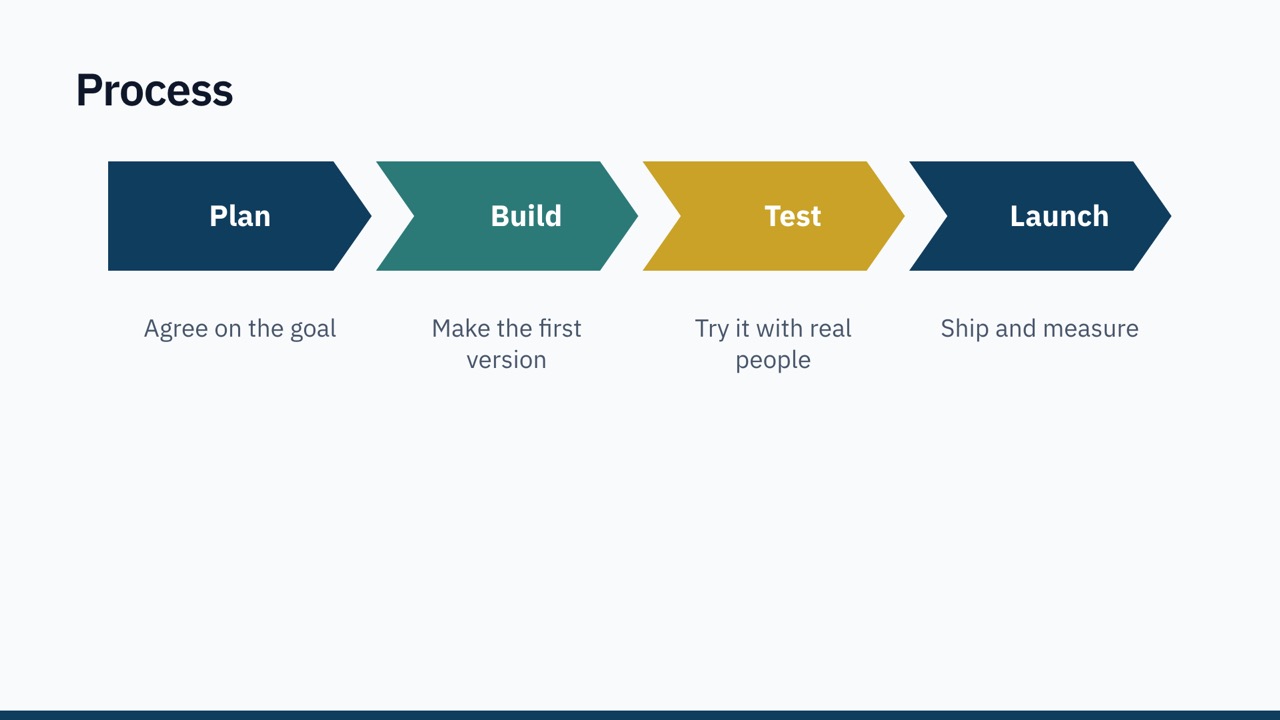
Process 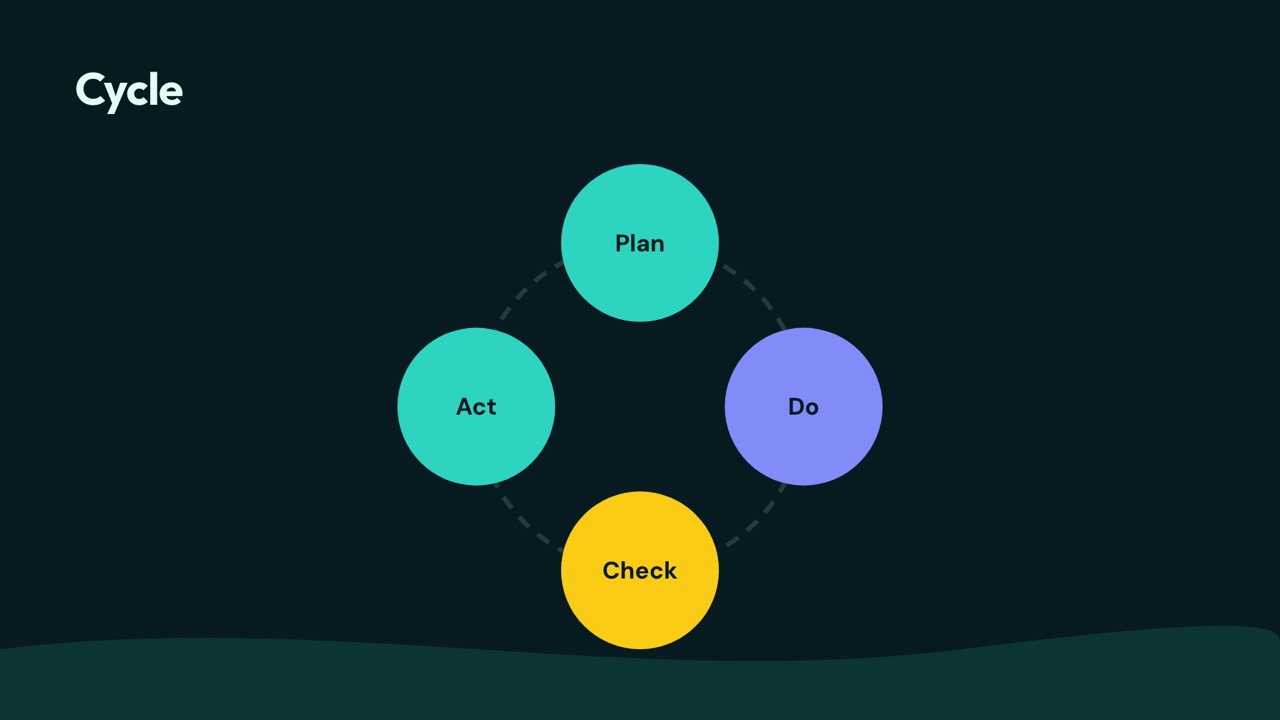
Cycle 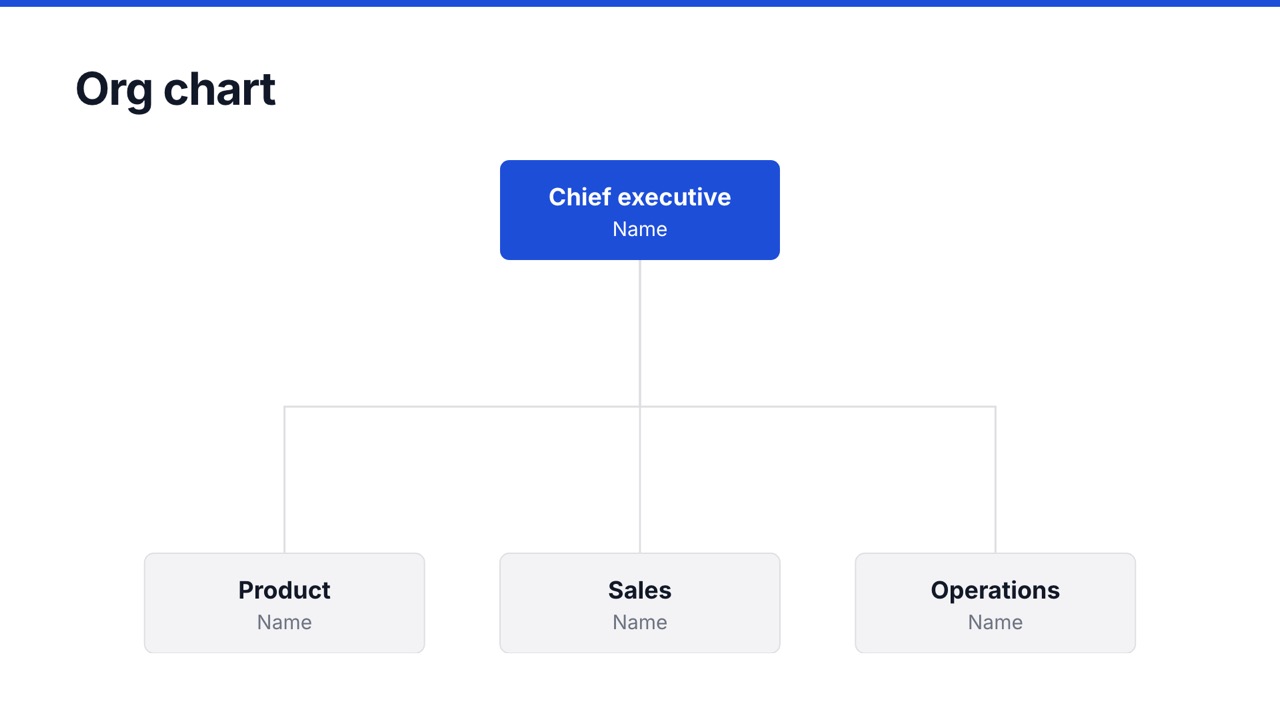
Org chart 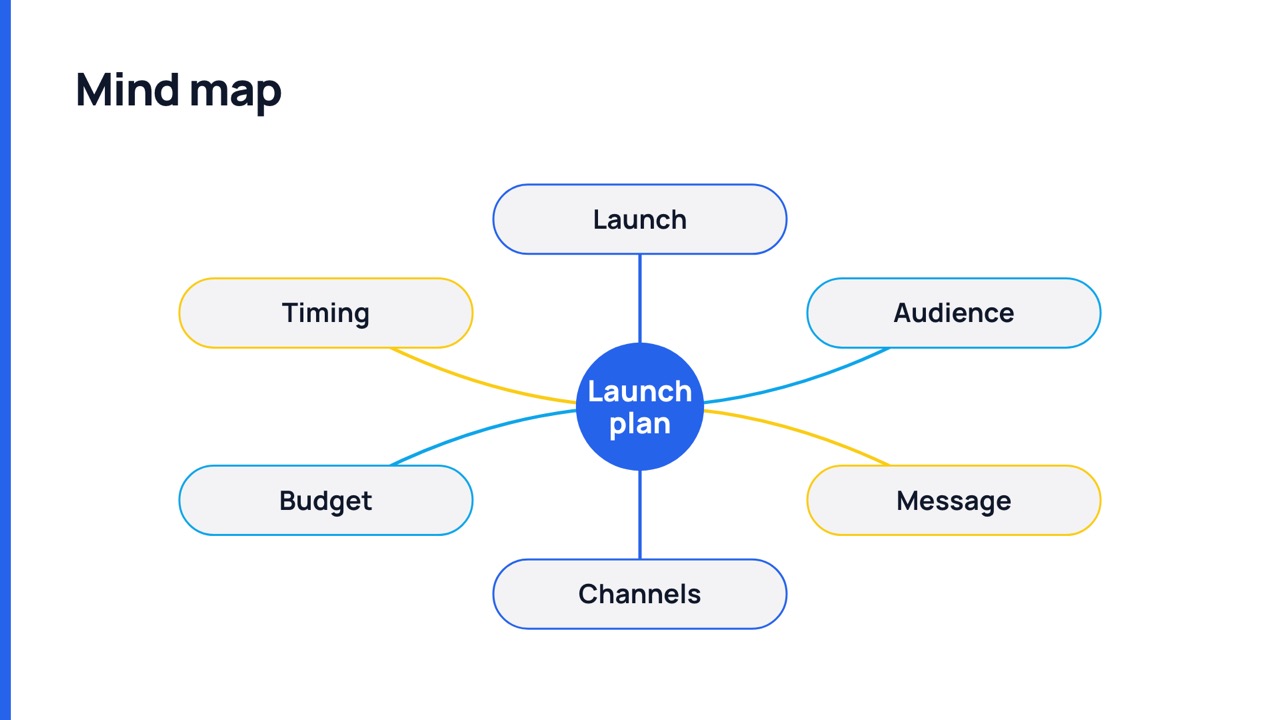
Mind map
Motion that guides attention
34 slide transitions, including magic move that glides matching items between slides, and 55 animations for entrance, emphasis, exit and motion paths. Build bullet lists one line at a time.
A preview with real slides. The editor shows every transition live.
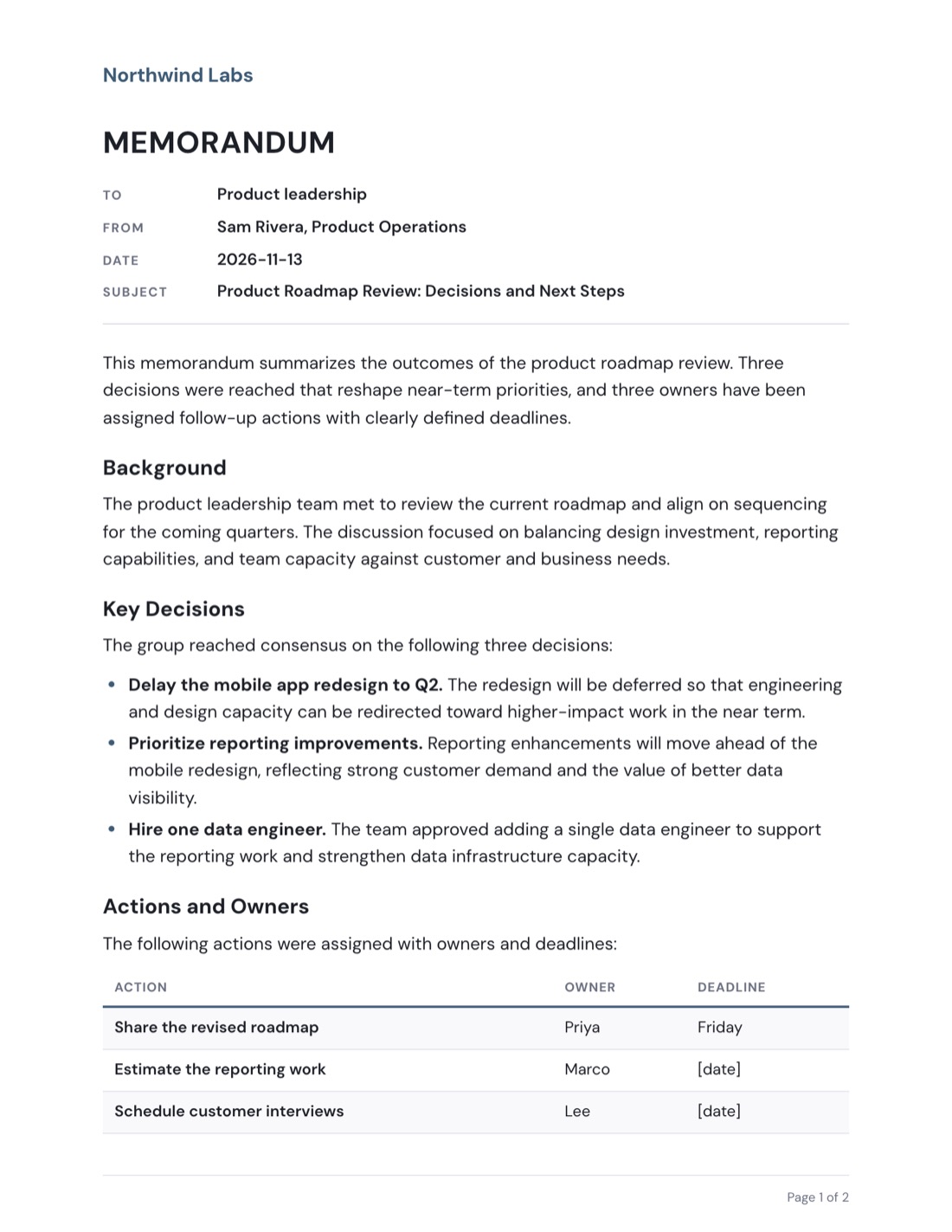
Memos people actually read
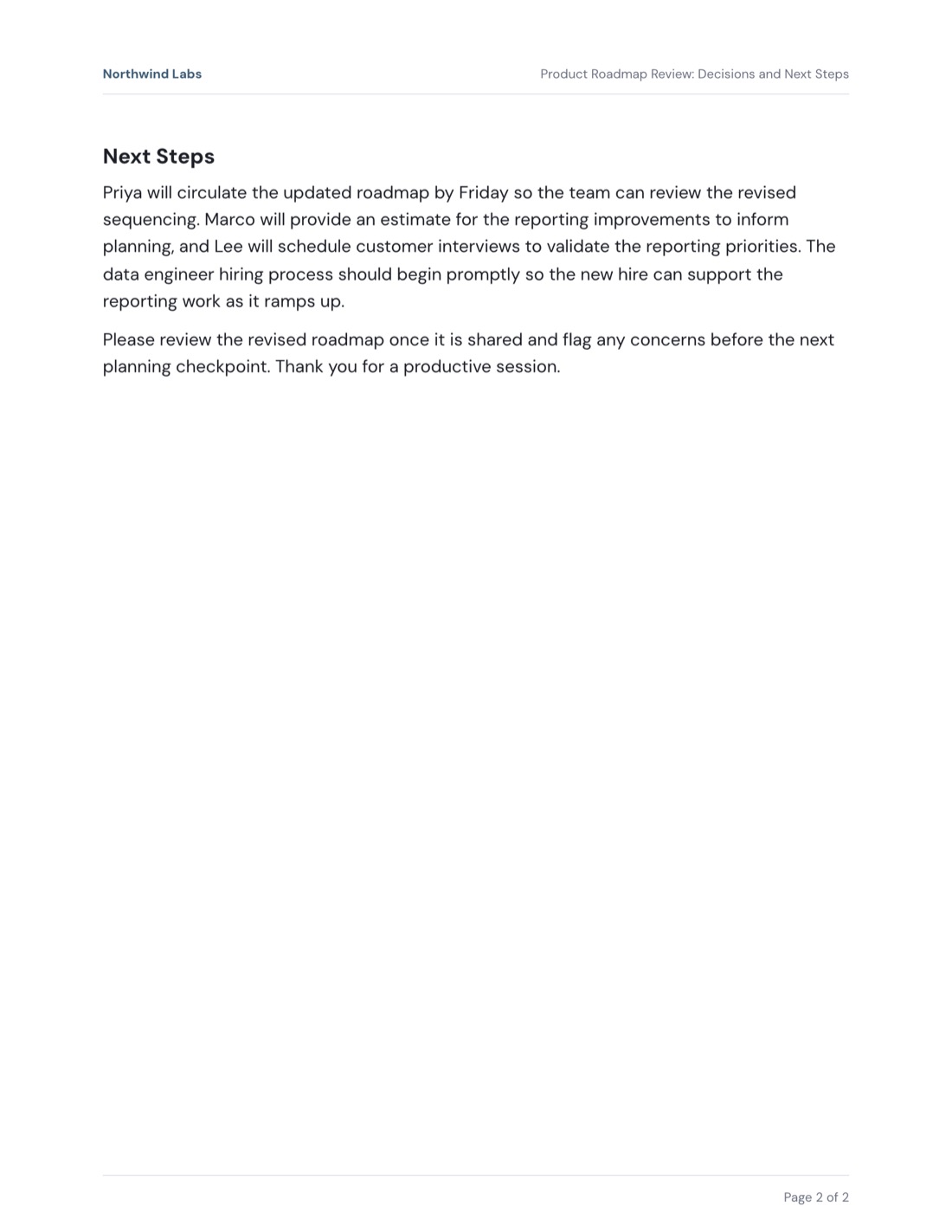
Paste your notes and get a clear memo: purpose first, then background, decisions, owners and next steps. On your letterhead, with page numbers, ready as PDF or Word.
- 10 memo templates, from policy updates to board memos
- Five letterhead styles with your logo
- Rewrite any part with AI: shorter, warmer, more formal
Every slide stays fully editable
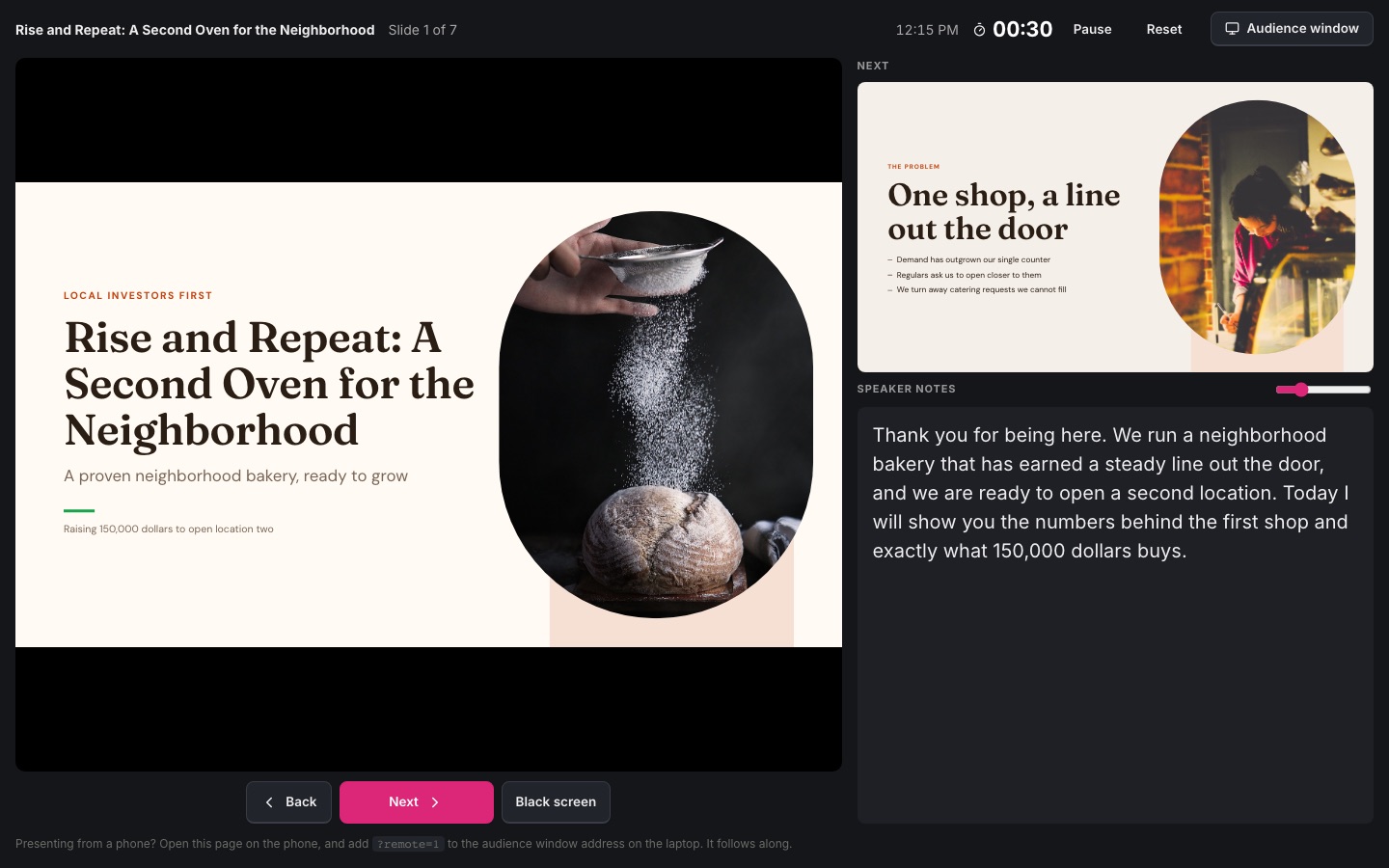
Click anything to change it. Drag with snap guides, resize, rotate, align, group and lock. Charts with editable data, tables, shapes, 2,000 icons, photos, video and code.
- Rich text with theme fonts
- Undo, autosave and version history
- Works on tablets and phones
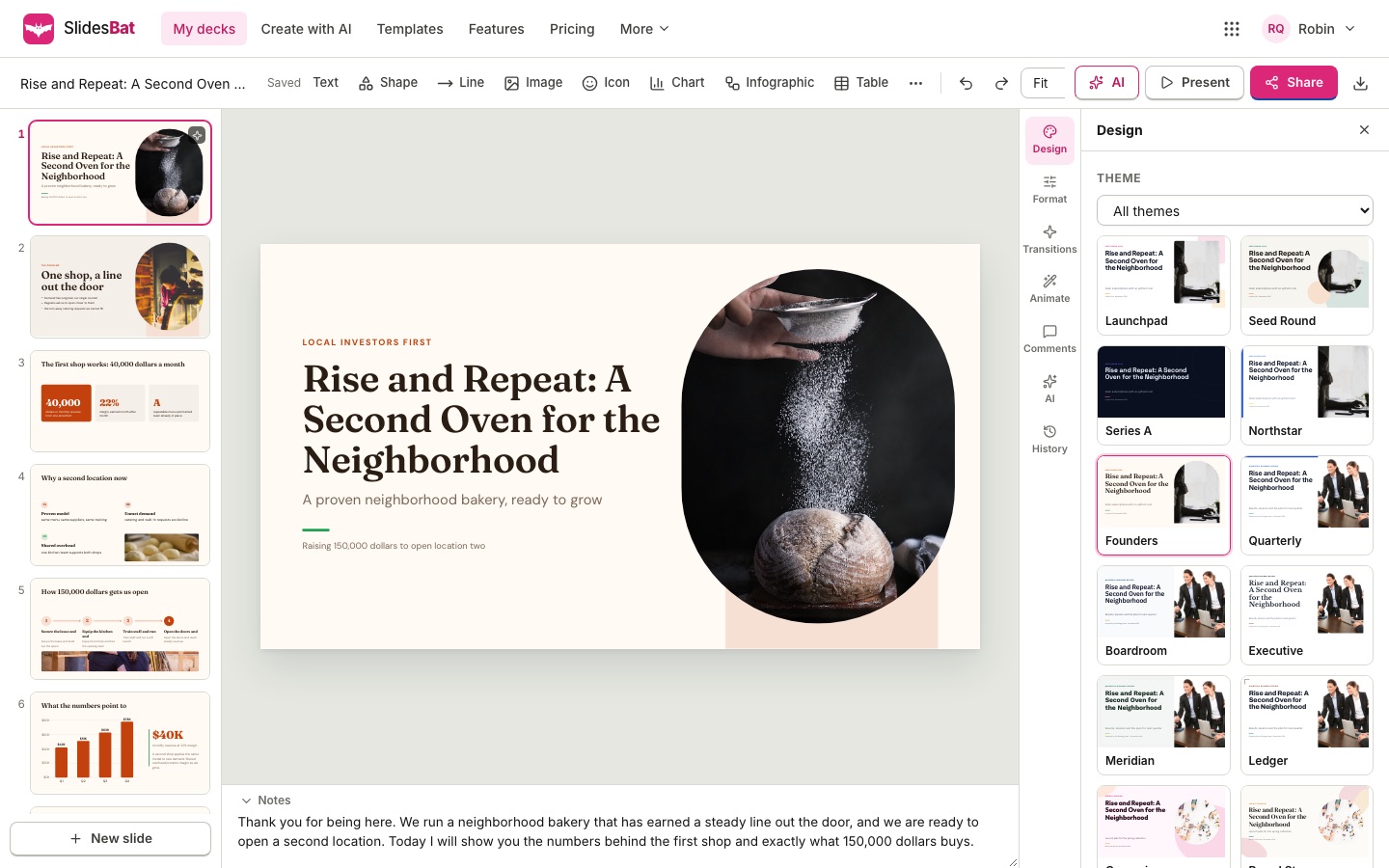
Present from anywhere, share in one click
Full screen shows with a presenter view: notes, next slide, timer and a laser pointer. Drive the big screen from your phone. Share view, comment and edit links, or embed the deck on a website.
- Keyboard, clicker and swipe
- View links with optional downloads
- Comments and version history
Works with the files you already have
Every export is saved to your OfficeBats Drive, next to your files from the other Bats apps.
- PPTXPowerPointEditable text, shapes, tables and native charts, with speaker notes.
- PDFPDFVector text and charts, sharp at any zoom, one page per slide.
- PNGImagesOne slide, or every slide in a zip, ready for social posts.
- DOCXWordMemos with letterhead, tables and page numbers.
- INImportOpen PowerPoint files, Markdown outlines and SlidesBat files.
47 original themes, 21 layouts each
Pitch decks, business reviews, lessons, reports, portfolios, weddings and more. Hover a template to flip through its layouts.


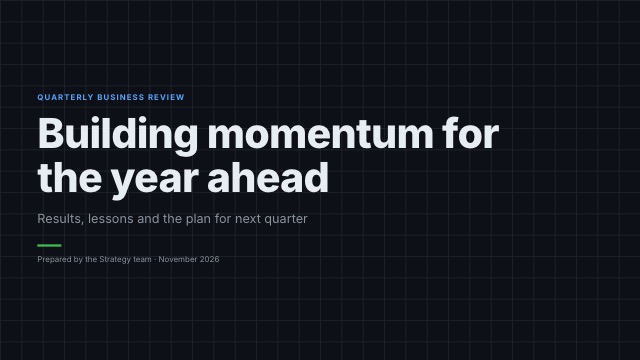









An AI presentation maker and a real slide editor
- AI decksFrom a prompt or a Word, PDF, PowerPoint or Markdown file.
- 47 themes21 layouts each, plus a theme editor.
- Full slide editorSnap, align, group, tables, icons and images.
- Charts and visualsEditable charts, infographics and maps.
- Motion34 transitions and 55 animations, with magic move.
- Present and sharePresenter view, phone remote, links and embeds.
- PowerPoint and PDFEditable PowerPoint, crisp PDF and PNG.
- AI memosLetterhead, page numbers and Word export.
- Flyers and socialOne-pagers, posters, posts and stories.
Free to start. Pro when you need more.
Free
Everything you need to try it properly.
- Up to 10 presentations and memos
- Every template, layout and editor feature
- 300 AI credits a month (shared wallet)
- PowerPoint, PDF and PNG export with a small SlidesBat mark
- 5 GB OfficeBats Drive
Pro
One plan for every Bats app.
- Unlimited presentations and memos
- Exports without the SlidesBat mark
- 5,000 AI credits a month
- 100 GB OfficeBats Drive
- Pro in PDFbat, DocsBat, SheetsBat and the other Bats apps
Plans, AI credits and storage are managed on your OfficeBats account and cover every Bats app. Compare plans
Questions, answered
Is SlidesBat free?
Yes. The Free plan keeps up to 10 documents with every editor feature, every template and 300 AI credits a month from your OfficeBats wallet. Pro is $10.99 a month on OfficeBats and removes the limits.
How does the AI work?
You describe the presentation or upload a document. SlidesBat writes an outline you can edit, then designs each slide with a real layout, icons, charts and photos. Each AI action uses credits by what it actually costs.
Can I open my PowerPoint files?
Yes. Import a .pptx file to keep editing it in your browser, and export back to PowerPoint at any time with editable text, shapes, tables and charts.
Do I need to install anything?
No. SlidesBat runs in your browser on a laptop, tablet or phone.
Who can see my decks?
Only you, until you share a link. View links can be turned off at any time, and comment and edit links ask people to sign in.
What is OfficeBats?
OfficeBats is the one account behind every Bats app: PDFbat, DocsBat, SheetsBat, FormsBat, BooksBat, Buildan.app and SlidesBat. You get one plan, one AI wallet and one Drive for all of them.
One account for every Bats app
Your plan, AI credits and Drive work across all of them.

Make your next deck in minutes
Free to start. No credit card. One OfficeBats account for every Bats app.