Turn an idea or a document into a finished deck
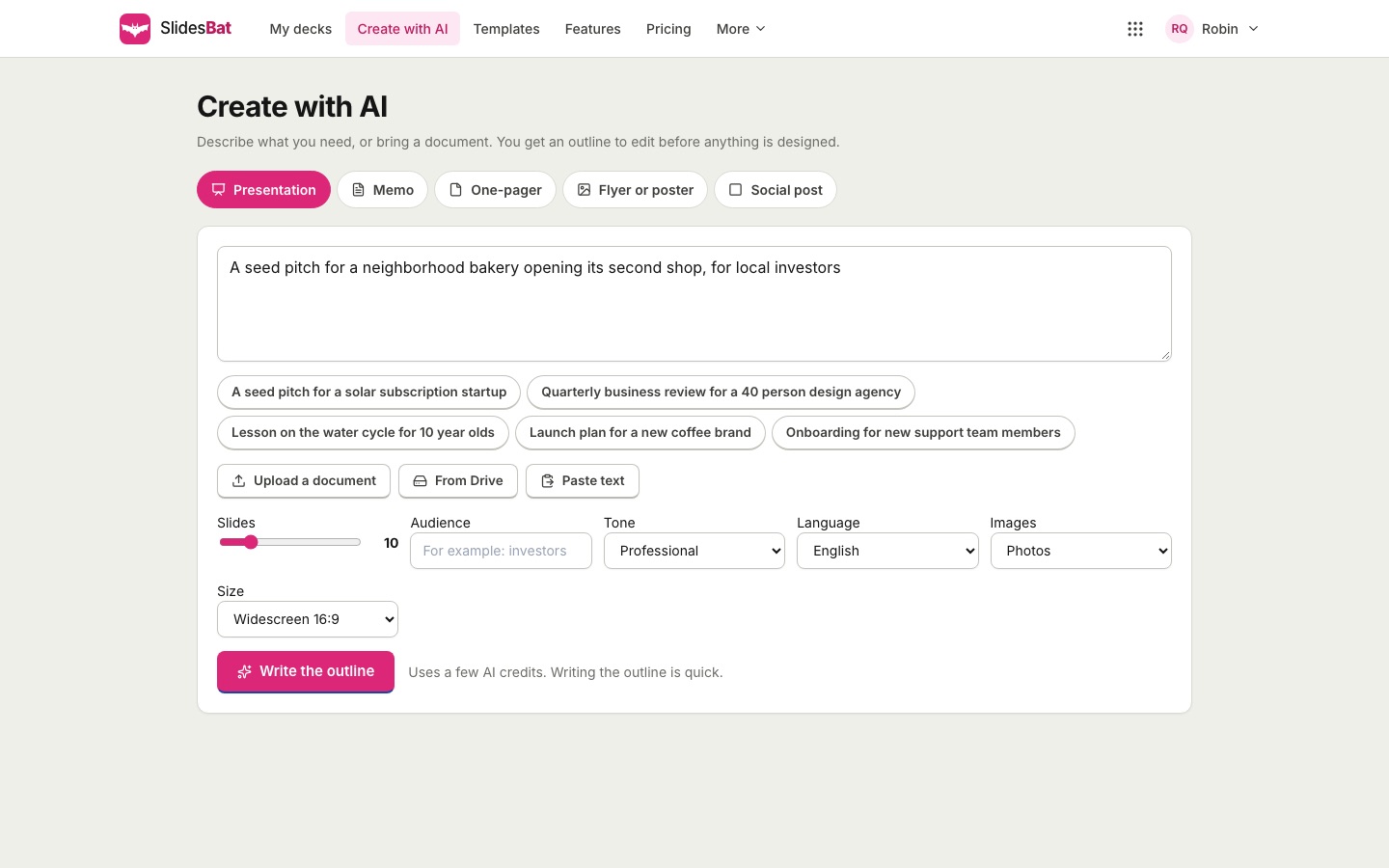
Type what the presentation is about, or bring the report you already wrote. SlidesBat plans the story, lets you edit the outline, then designs every slide with real layouts, charts, icons and photos.
An outline first, so the story is yours
Before any slide is designed you see the whole plan: a title and points for every slide and the layout it will use. Rename slides, rewrite points, drag them into a new order, add or remove slides. Nothing is designed until you are happy with the story.
- 3 to 40 slides
- Audience, tone and language options
- Pick a theme or keep the suggested one
Real layouts, not text on a background
Every slide is laid out on a 1920 by 1080 canvas with a grid: cover slides, agendas, section breaks, two columns, comparisons, timelines, processes, key numbers, charts, quotes, team pages, galleries, tables, pricing and closing slides. Each box stays editable in the full editor.
- Charts drawn from your numbers
- Icons and photos placed for you
- Speaker notes on every slide
From documents you already have
Upload a Word document, a PDF, a PowerPoint file, Markdown or plain text, or pick one from your OfficeBats Drive. SlidesBat keeps the facts, figures and structure of the source and turns them into slides instead of inventing new ones.
- Word, PDF, PowerPoint, Markdown and text
- Facts and numbers come from your file
- Works in many languages
Watch the slides arrive
As soon as you start, the deck opens in the editor and each slide appears the moment it is ready. You can start polishing the first slides while the rest are still being written.
- Live progress in the editor
- Rewrite or redesign any slide later
- Pay only for what runs, in AI credits
How it works
- 1
Describe it
Type a prompt or upload a document.
- 2
Shape the outline
Edit titles and points, reorder, pick a theme.
- 3
Generate and polish
Every slide is designed; edit anything you like.
Questions
Do I need an account?
Yes. AI needs a free OfficeBats account, because every AI action uses credits from your wallet. Free accounts get 300 credits a month.
How many credits does a deck use?
It depends on the length. A short deck of seven slides usually uses around one hundred credits. You see the credits used after each action.
Can I edit what the AI made?
Everything. Each title, text box, shape, chart and photo is a normal element in the editor, and you can ask the AI to rewrite or redesign one slide at a time.
Will it invent numbers?
It is told to use only facts and numbers from your prompt or document. Check the result before you present, as you would with any draft.
Which languages work?
You can choose from many languages, including Spanish, French, German, Portuguese, Japanese, Chinese, Arabic and Hindi.
Related features
- Templates and themesOriginal templates for pitch decks, business reviews, marketing, lessons, reports, portfolios, weddings and more. Each theme includes 20 layouts and a theme editor.
- Slide editorA full slide editor in your browser: drag, resize, rotate, snap, align, group and lock. Rich text, shapes, icons, images, charts, tables, video and code blocks.
- Image librarySearch stock photos and illustrations licensed for commercial use, 2,000 icons, your uploads and your OfficeBats Drive, with AI photo ideas for each slide.

Make your next deck in minutes
Free to start. No credit card. One OfficeBats account for every Bats app.