One editor for every format
Beyond slides, make one-pagers, flyers, posters and social posts with the same canvas, themes, photo library and AI. Each format has the right size from the start.
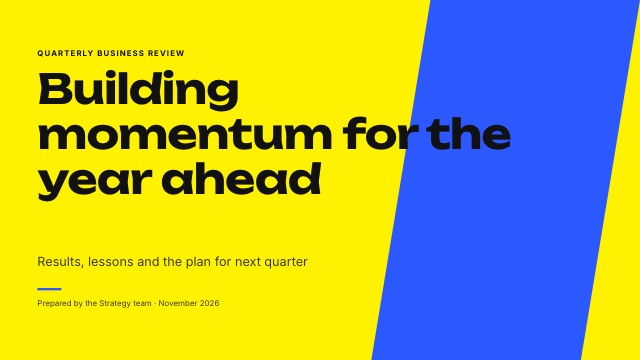
Print sizes
One-pagers in Letter or A4, portrait or landscape. Flyers in Letter or A4 and posters at 18 by 24 inches. Export a PDF for the printer.
- Letter, A4 and poster
- PDF export
- Themes that match your decks
Social sizes
Square posts at 1080 by 1080, stories at 1080 by 1920 and portrait posts at 1080 by 1350. Export PNG images ready to upload.
- Square, story and portrait
- PNG export
- Big type that reads on a phone
AI for single pages
Describe the event or offer and SlidesBat writes and designs the page for you, then you adjust anything in the editor.
- Photos picked for you
- Edit every element
- Uses a few AI credits
How it works
- 1
Pick a format
One-pager, flyer or social post.
- 2
Choose a theme
Or describe it to the AI.
- 3
Export
PDF for print, PNG for social.
Questions
Can I change the size later?
Yes. Change the page size in the Design panel and every element is scaled to fit.
Are the photos free to use?
Stock photos come from libraries that allow commercial use. When a licence asks for a credit, SlidesBat adds it to the image.
Can I use my own images?
Yes. Upload them or pick them from your OfficeBats Drive.
Is there a custom size?
Decks support custom sizes from 320 to 4096 pixels per side.
Do these count toward the Free limit?
Every document counts. The Free plan keeps up to ten documents.
Related features
- Templates and themesOriginal templates for pitch decks, business reviews, marketing, lessons, reports, portfolios, weddings and more. Each theme includes 20 layouts and a theme editor.
- Image librarySearch stock photos and illustrations licensed for commercial use, 2,000 icons, your uploads and your OfficeBats Drive, with AI photo ideas for each slide.
- Slide editorA full slide editor in your browser: drag, resize, rotate, snap, align, group and lock. Rich text, shapes, icons, images, charts, tables, video and code blocks.

Make your next deck in minutes
Free to start. No credit card. One OfficeBats account for every Bats app.